

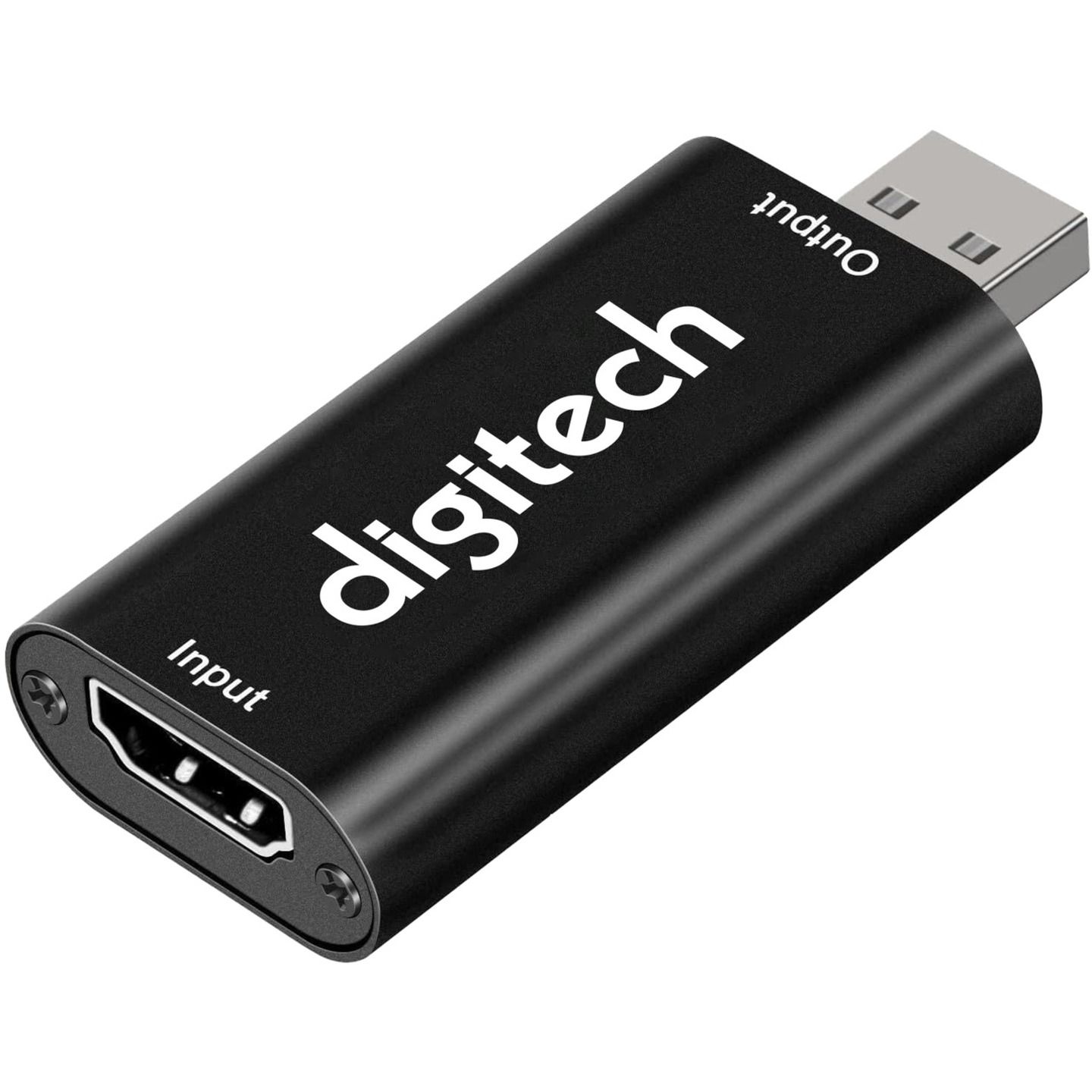
This video capture dongle enables you to live stream and record on a computer from a webcam, gaming console, video recorder or media player. Simply plug it into an available USB port on your computer and connect your media device to the HDMI input via a HDMI cable.
Use the free and open-source OBS (Open Broadcaster) software to quickly and easily stream from a Windows, Mac or Linux machine to online platforms including YouTube, Twitch and Facebook. Windows Camera is natively supported, so you can use this to easily monitor and record HDMI sources such as surveillance DVRs/NVRs on PCs.
The HDMI input supports resolutions up to 4K 30fps, HDMI output to PC is up to 1080p, and no external power is required. Device driver is supplied by your operating system.
• Windows, Mac and Linux compatible
• Dimensions: 64(L) x 28(W) x 13(D)mm
HDMI Video Capture & Recorder Dongle
Customer Reviews

3.0
3 reviews
Verified purchases only.
Powered by Bazaarvoice.
Good for IoT
Giving it 5 stars since it solved my use case perfectly for $30. TBH, this is an essential piece of kit for someone working on IoT and server situations where a monitor isn't always avail. It's likely the very easiest, smallest and cheapest way to see an HDMI signal for quick debugging to get remote access working without dragging around a monitor.
A DUD.
Do not buy. I could not get this to work at all with OBS. OBS connect s to it. The driver shows up properly but it just does not work. Something inherently wrong with i Even worse when connect through a HDMI splitter, it caused screen interruption on a shared display. I DON'T recommend this. Steven
Good but not great
Works fine with one draw back which is that it only outputs one channel from the hdmi signal. Have used in OBS for camera feed but no good if you want the stereo audio signal.