

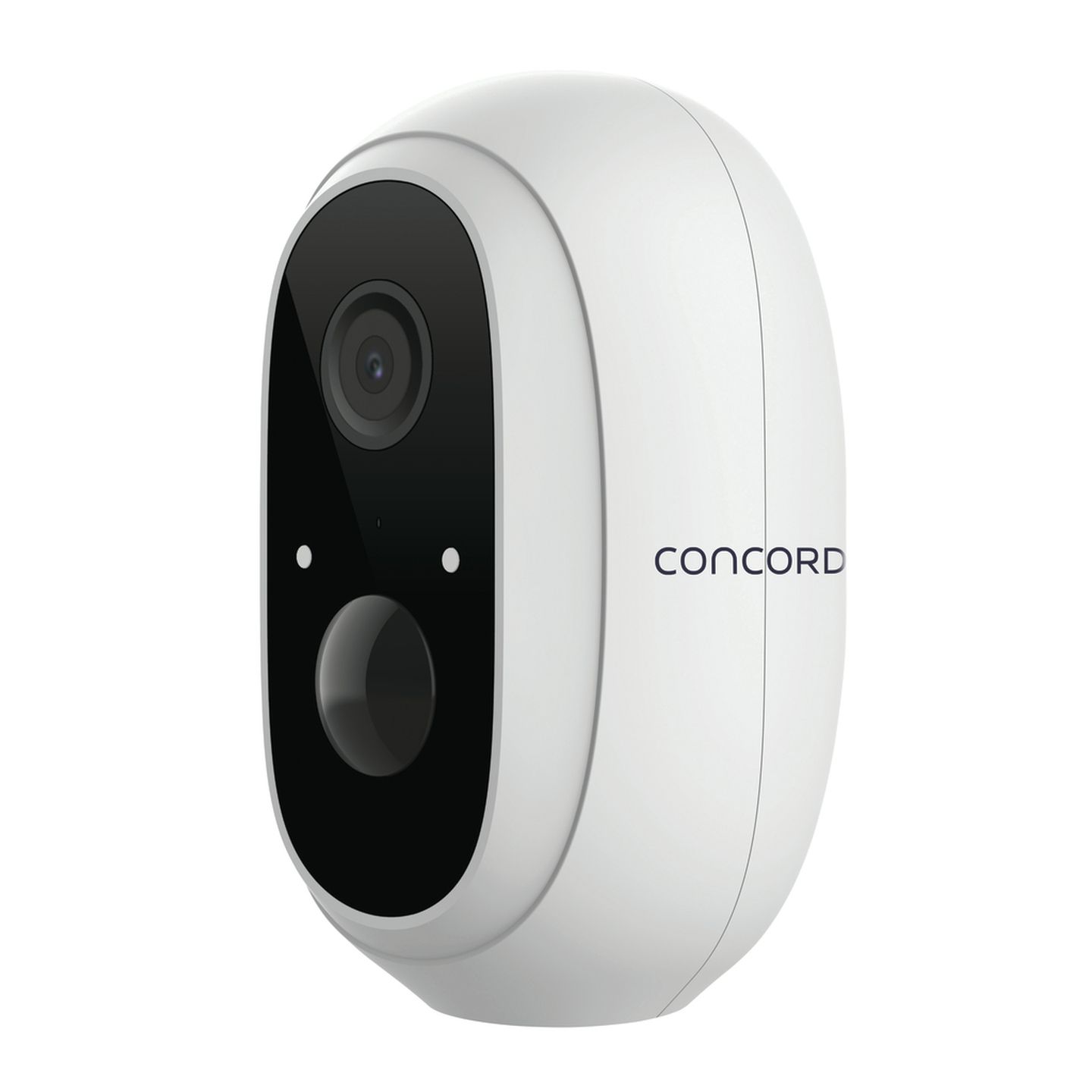


This feature-rich surveillance camera is rechargeable and connects to your network over Wi-Fi so there’s no need for mains power or messy wiring. Watch the video in real-time or playback recordings from a microSD card (sold separately) using your Smartphone from anywhere in the world. Its high definition 1080p camera with 120° wide-angle lens ensures you don’t miss a thing, and the integrated PIR detector helps avoid false-triggers when motion is detected up to 10m away. Infrared LEDs provide vision in the dark, and a built-in microphone and speaker with noise cancellation enables you to communicate with the visitor or intruder from your Smartphone. An IP65 protection rating means you can use the camera in the outdoors where dust and rain may be present, and a magnetic base ensures you have the camera angled for the best view. The two high capacity 18650 batteries provide up to 90 days of standby time. To charge, simply connect the camera to an available USB port, or for a permanent installation, a solar panel (QC3916) is available separately to keep the batteries fully charged.
Features:
• Wire Free Rechargeable Battery
• 2-Way Audio Communication
• Free Android & iOS® Smartphone App
• Amazon Cloud Storage Backup
• Supports Google Home & Alexa
Concord 1080p Battery powered Wi-Fi Battery Camera
Customer Reviews

2.8
4 reviews
Verified purchases only.
Powered by Bazaarvoice.
Seems Alright
Seems alright so far. For anyone having trouble connecting their camera I downloaded the Tuya Smart app, made an account, pressed the little plus symbol in the top right corner, went down to camera and lock, clicked on smart camera (wifi), pressed next till it asked for 2.4 ghz info, entered my wifi info, turned the camera on by pressing the button near where the power cord plugs in, waited for a sound, then showed the camera the QR code on my phone till it made another sound and then it connected.
Very unreliable
Bought 2 of these cameras one lasted 6 months before it started playing up and stopped working and the other lasted 11 months until it stopped working I do not recommend they have given my money back for the first one but not for the second one
Great product
Don't like the items app, but all features work, would be better if Concord had their own app
Awful
I asked for a simple to set up and use camera. This is not it. I am still a week later trying to find suitable instructions online and of course the help centre is closed all weekend.